
How to Sign Up for E-Caller !
Welcome to E-Caller! This app is made for students, teachers, and parents in your school. If you don't have an account yet, please follow the steps below.
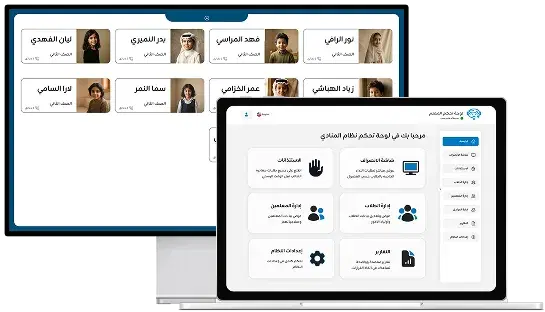
Welcome to E-Caller! This app is made for students, teachers, and parents in your school. If you don't have an account yet, please follow the steps below.
Understanding E-Caller Account Creation
You can only log in with a school account. Sign-up is not available inside the app — all new accounts are created by your school's administration for security reasons.

Step-by-Step Guide to Get Your E-Caller Account

Visit your school office and request an account for E-Caller.
Or call the school to request your login information.
After receiving your username and password, open the app and tap 'Log In.'
Why Schools Choose E-Caller for Student Dismissal
E-Caller is trusted by schools across Saudi Arabia for managing student dismissals safely and efficiently. Our platform helps reduce congestion, improve safety, and streamline communication between parents and school administration.
Important Notes for E-Caller Users
- You cannot access the app without a school account.
- If you forget your password, please contact your school to reset it.
- Do not share your account credentials with others.
Get Started with E-Caller Today
Ready to get started? Contact your school administration to request your E-Caller account, or Contact us for support if you need assistance.
Contact us
We are a technical team specializing in creating smart solutions for schools. Our goal is to facilitate communication between parents and administration, and to ensure that the student departure process is organized in a safe and smooth manner that satisfies everyone.


